Futuristic racing car HMI UX/UI Concept & Development
This is the project to design HMI UI/ UX of the client's first racing car brand. It is designed to enable passionate amateur racers to enjoy seamless driving experience on track, on road and on Xbox. It is aimed at rebranding the whole company from the most affordable to the tech-leading by engaging deeply into new entrepreneur culture in India.
The automotive is first released in public in Geneva motor show 2017 and will make its debut in the market in late 2017 with detail service design implementation by Microsoft.
Key User story
Taking the contextual dynamics between speed-focused on track use case and safe-focused on road use case into the consideration, we developed as two separated HMI modes with different feature sets that meet drivers' needs the best in each context. In the road mode, the driver should be able to access infotainment features with interaction that require driver's intention. On the other hand, in the race mode, the drive should be able to enjoy immersive driving experience andbe guided of racing tricks without being disturbed while driving. Based on the directions, I defined 15 key detailed use case to have a concrete pictures on the possible interaction scenarios on each situations.
Hardware setup analysis
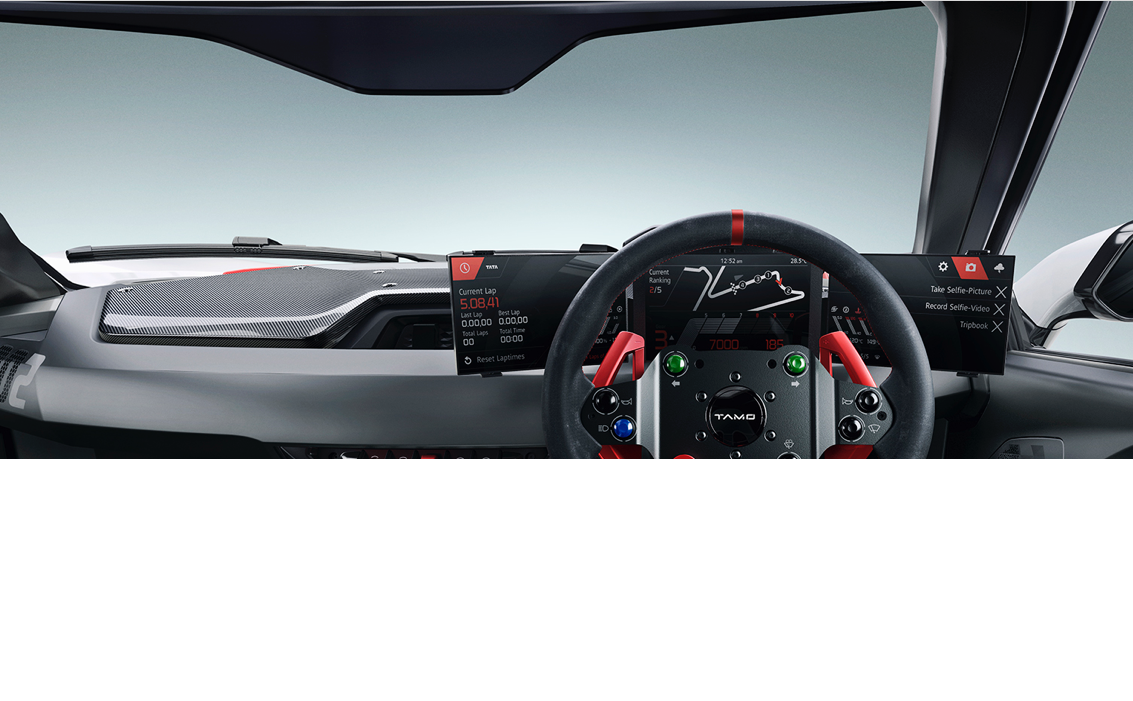
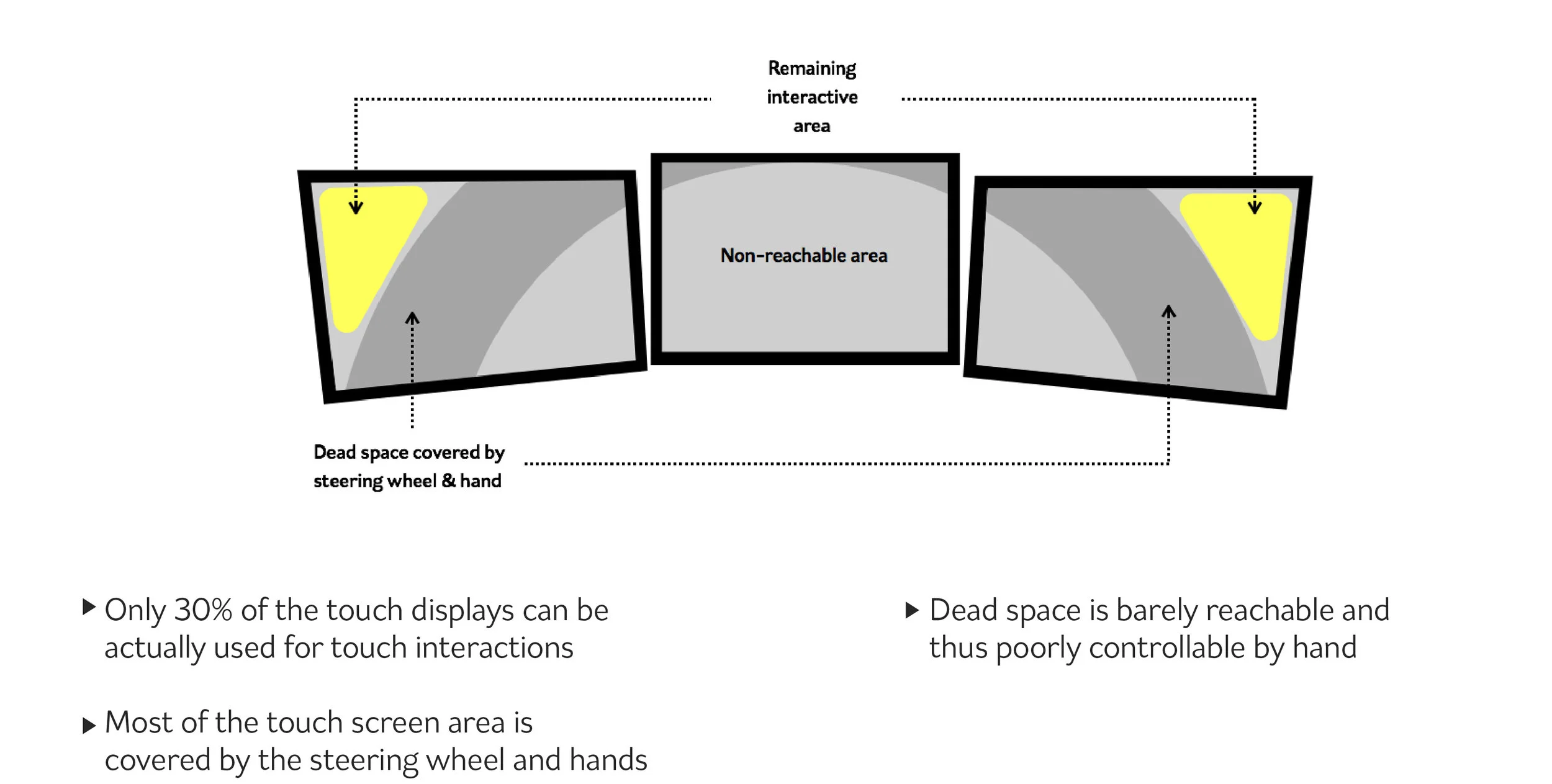
HMI design team kicked into the car project after the development of vehicle interior design by stylists in Turin. Inspired by surround monitor setup in the simulation gaming, it was the triple screen setup,- 2 touch screens on side, 1 non-touch screen in the centre. We started from the ergonomic analysis on the screen use and found out it brought out 3 main UX issues. They are as followings:
1. Disconnected screen use
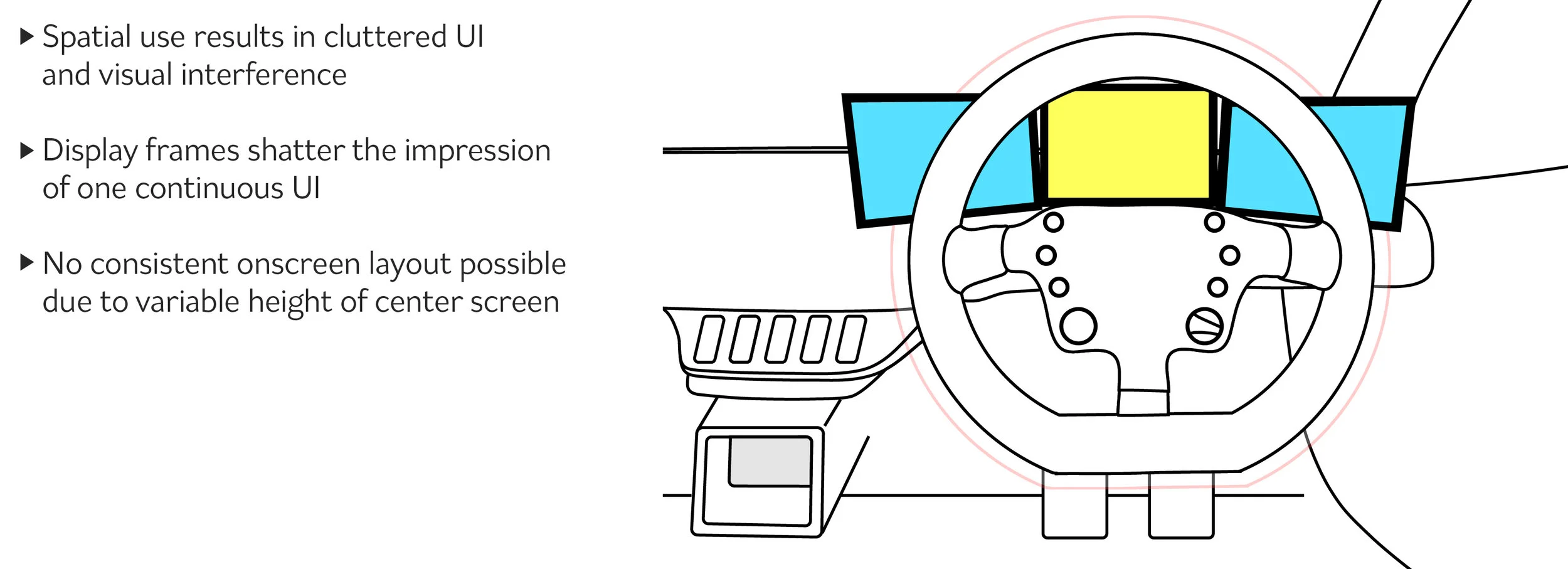
2. Limited ergonomy on touch interaction
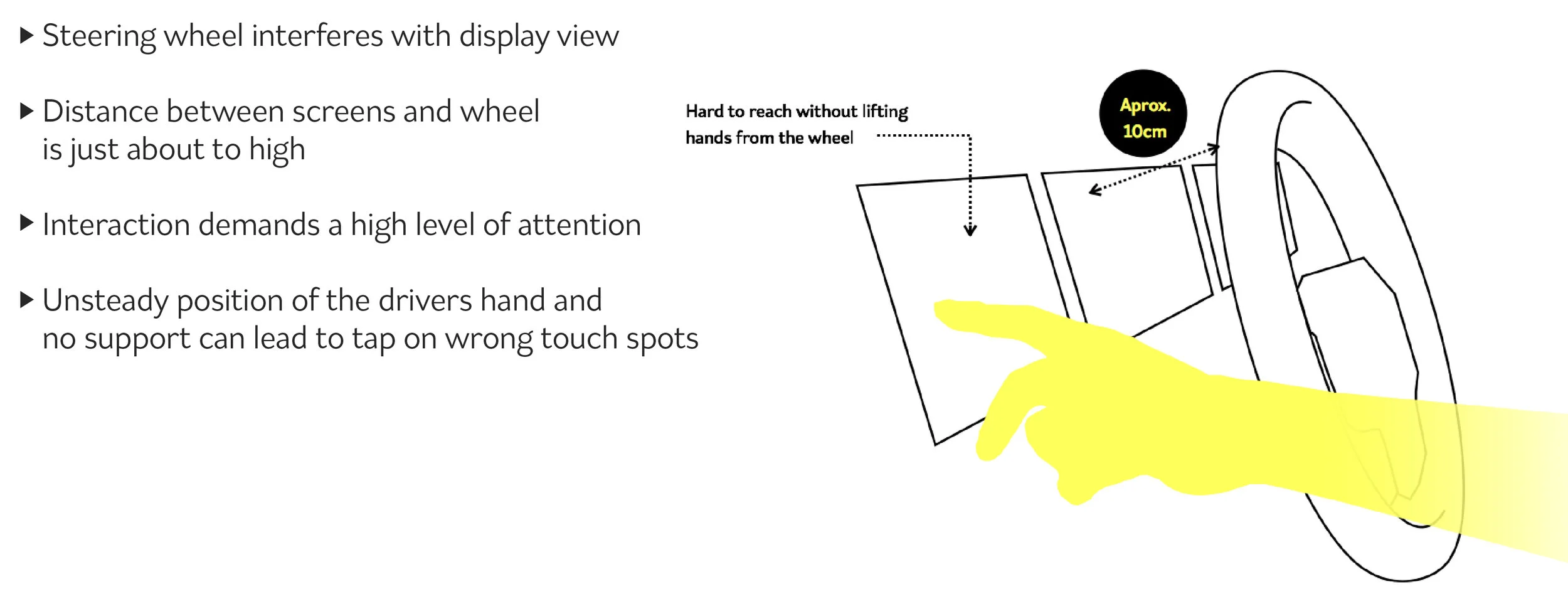
3. Limited interactivity on interface
Prototyping process
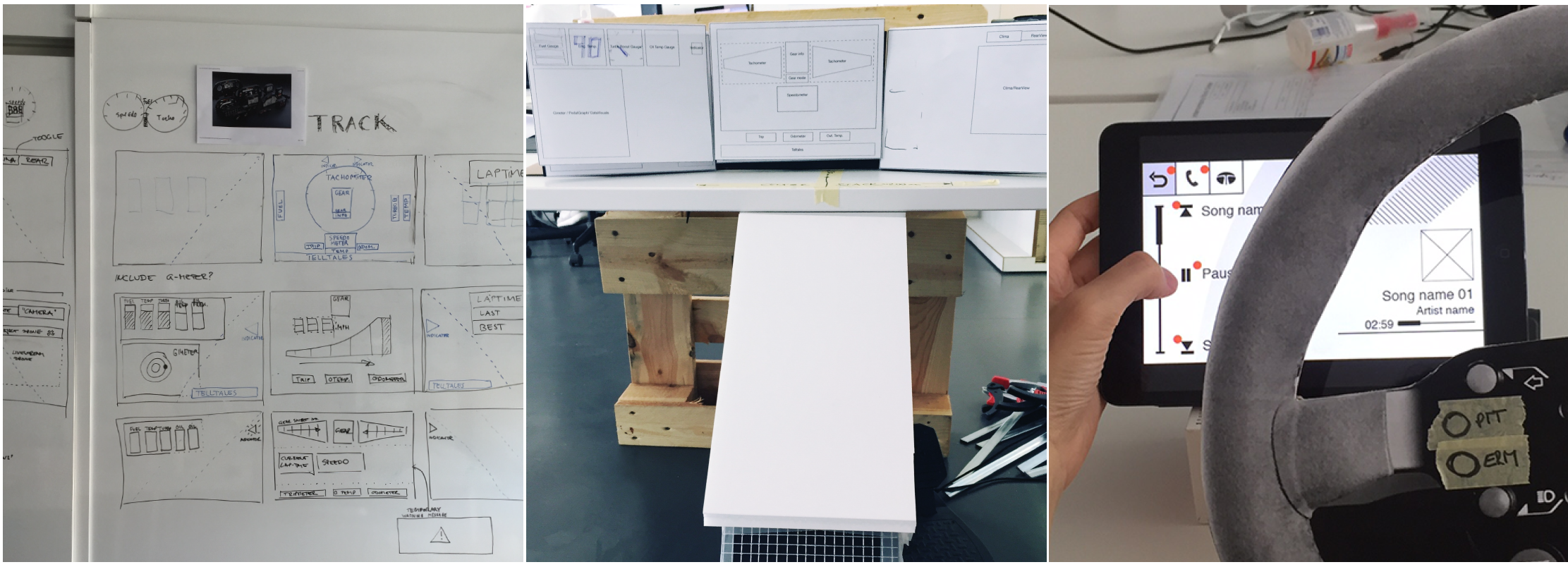
We built a lot of prototypes through the process from very simple paper prototypes to a virtual seating bug. It helped to move forward to the next steps quickly by the proven evidence, and made the outcome concrete.
Key Design solution
1. Layout structure
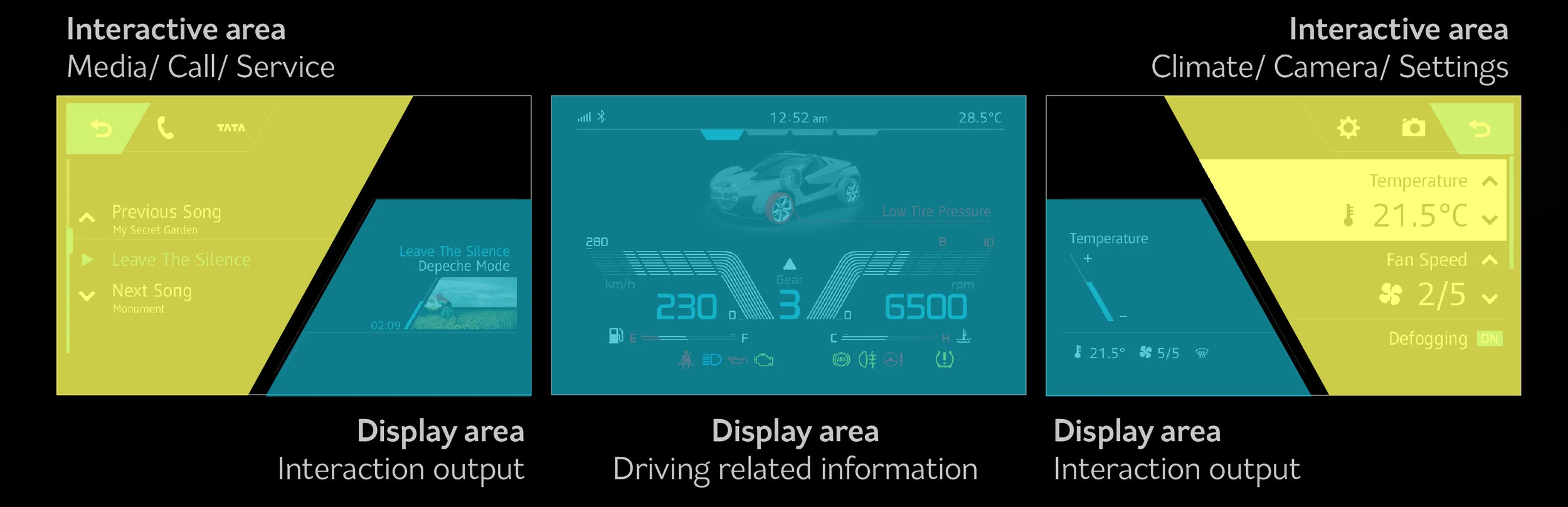
Taking all these requirements, trying to translate them into interface ideas, the overall architecture & structures together with appropriate interaction patterns. The structure of the HMI is defined with focus on UI optimised for the driver's focus view, quick & easy control and space efficiency.To optimised for the split screen setup, we simplified the mental model of UI structure by putting different contents types into each screens: Right screen is infotainment, centre screen is driving information, left screen is car settings.
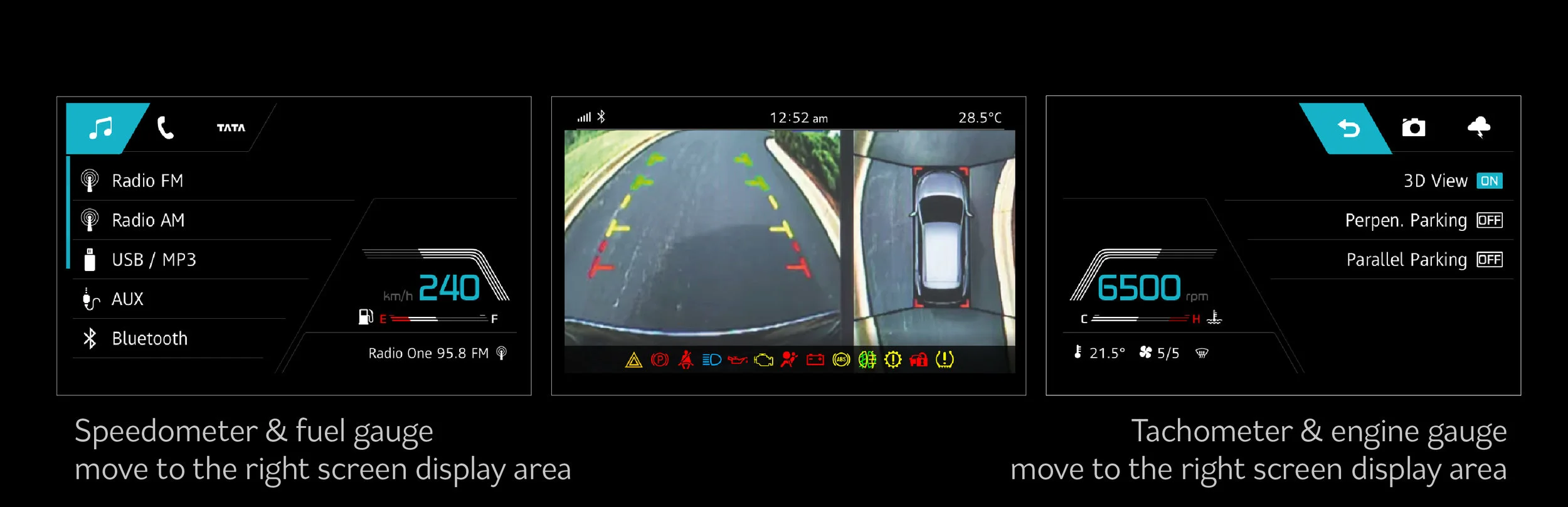
When centre screen is used as full screen, the elements are transited to side screens and make organic space use over all screens.
2. Ambient light
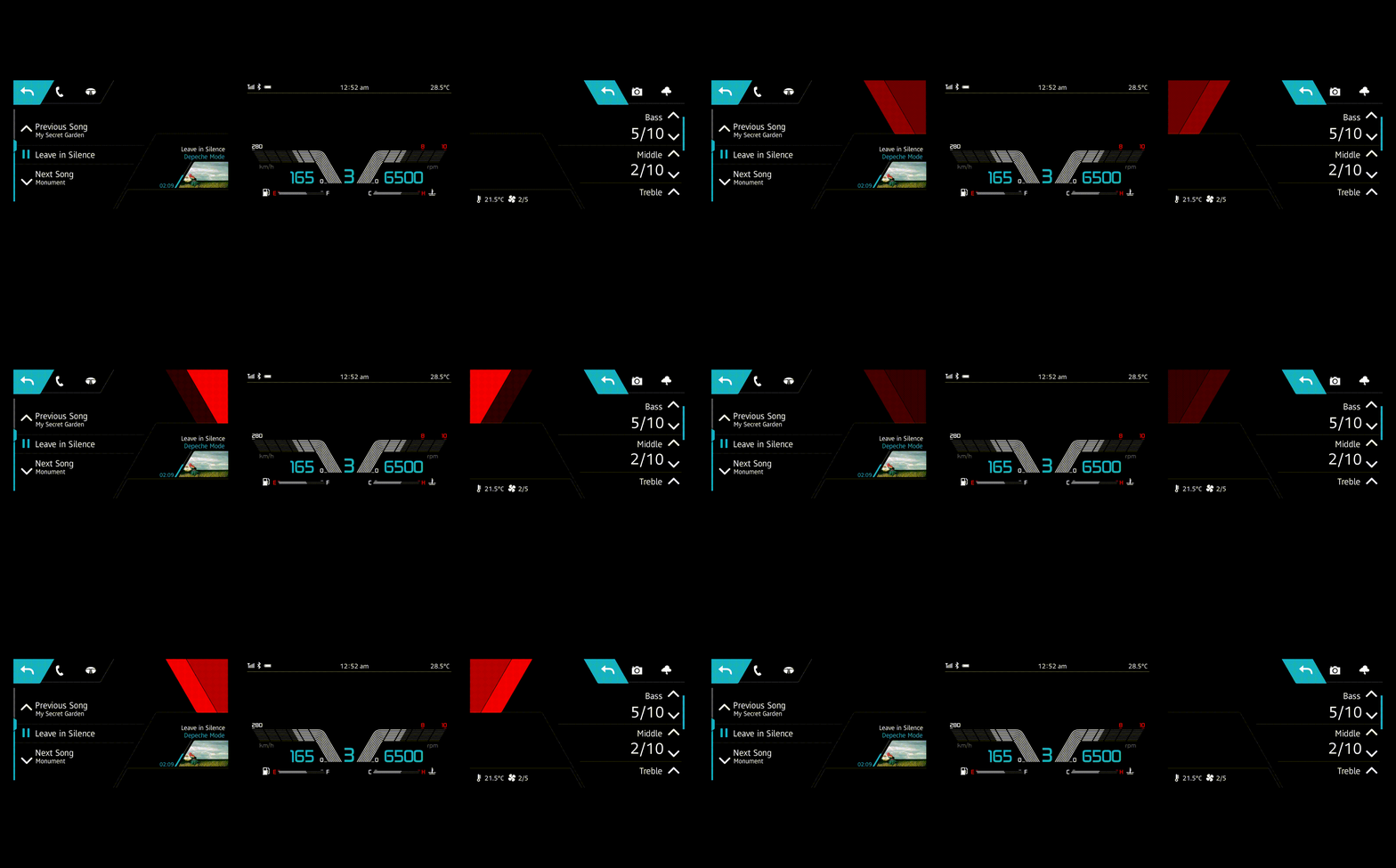
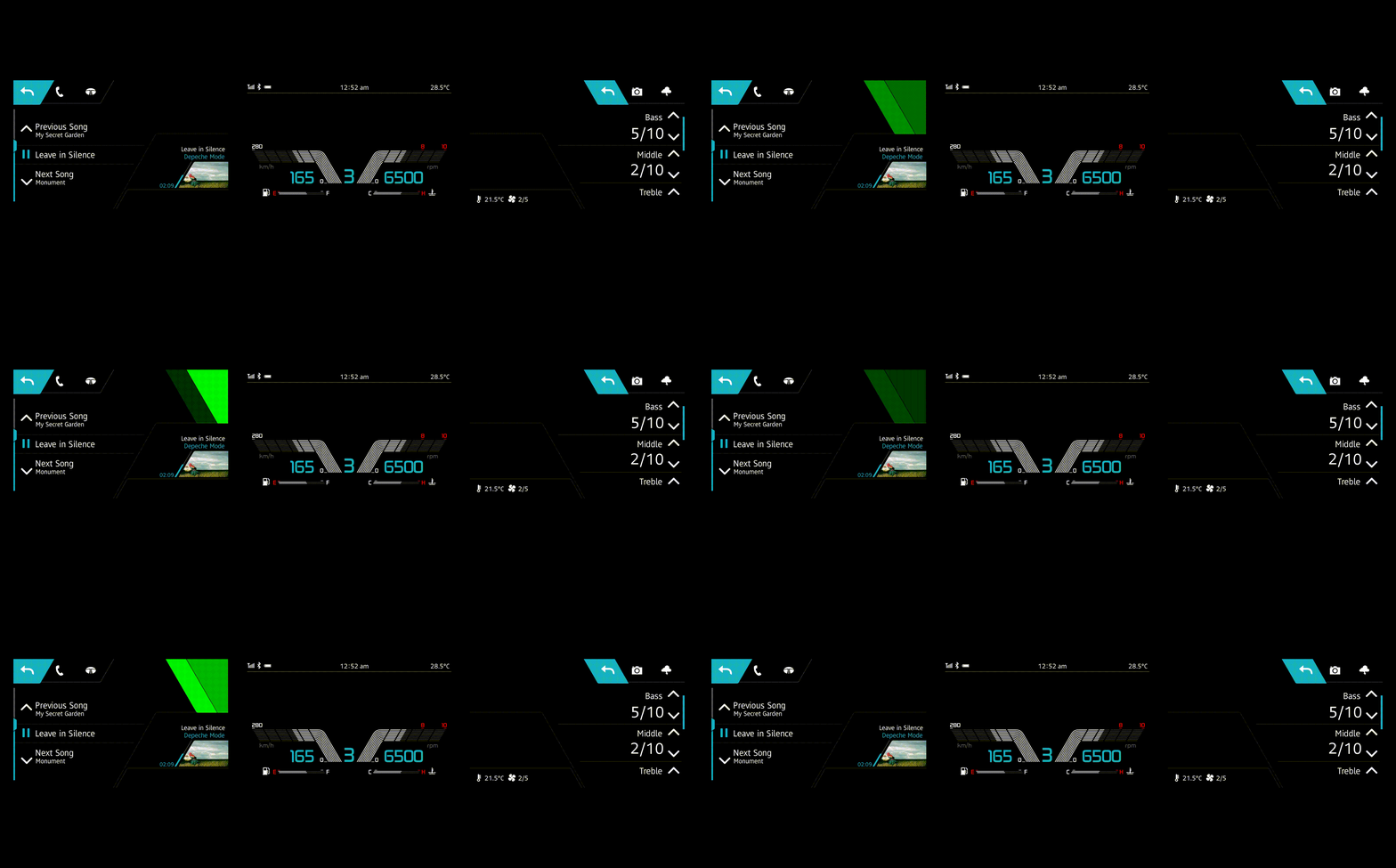
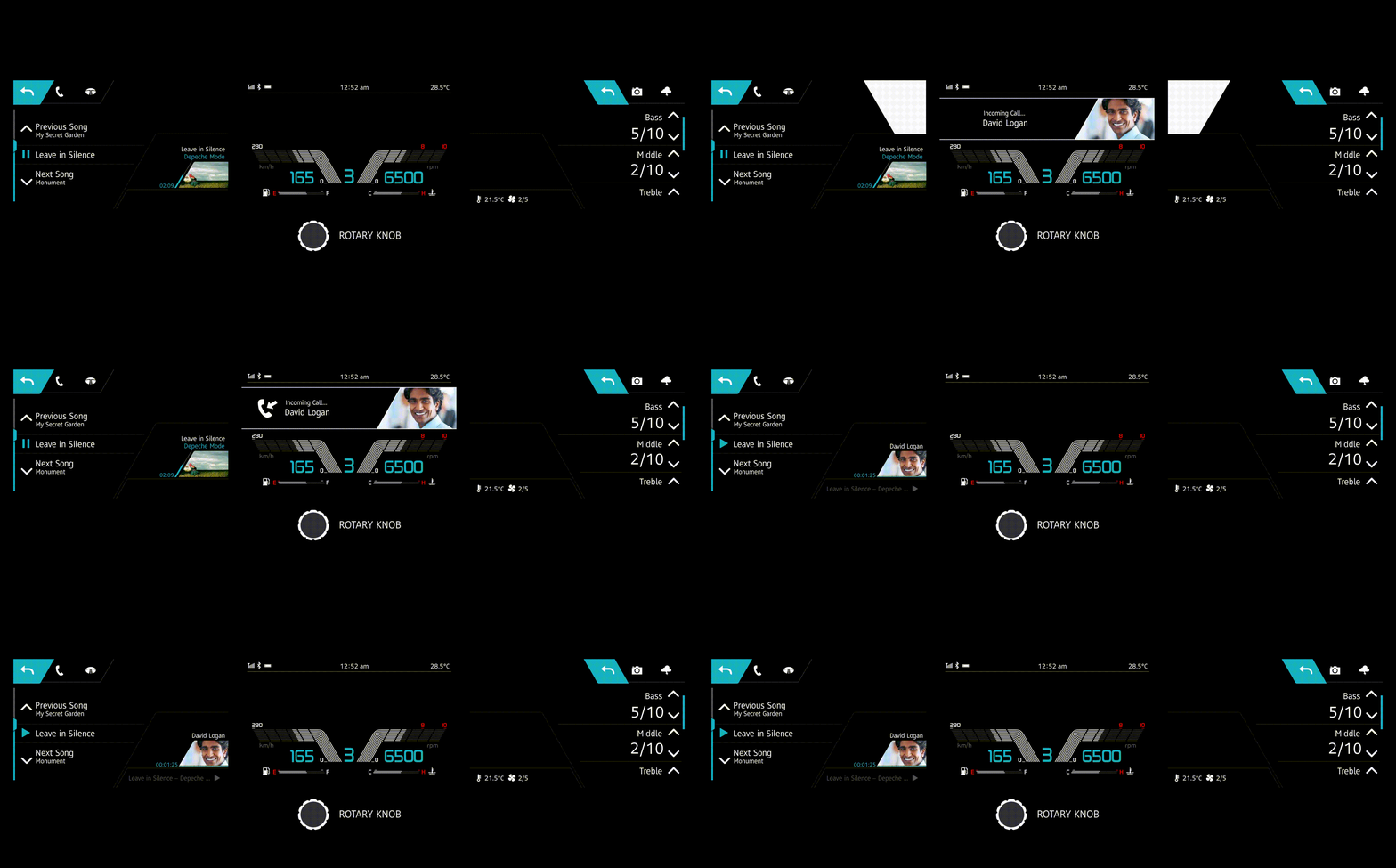
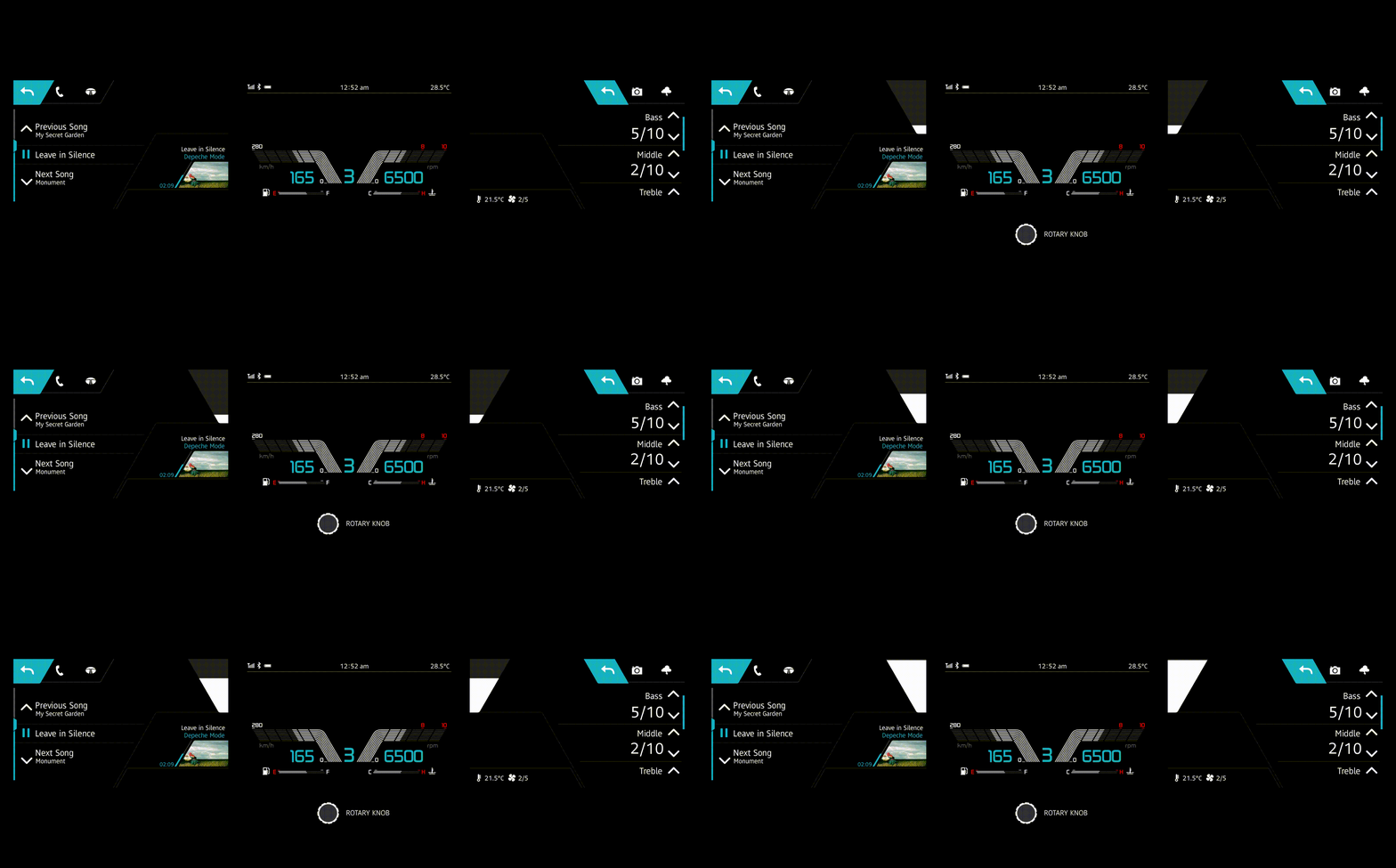
One of the key highlight of this HMI is 'Ambient light'. It is the simple indication with light & colour, specially designed to maximise utility of space that is caused by the steer wheel. It is used for the interaction that gives simple and quick feedback.
3. List layout
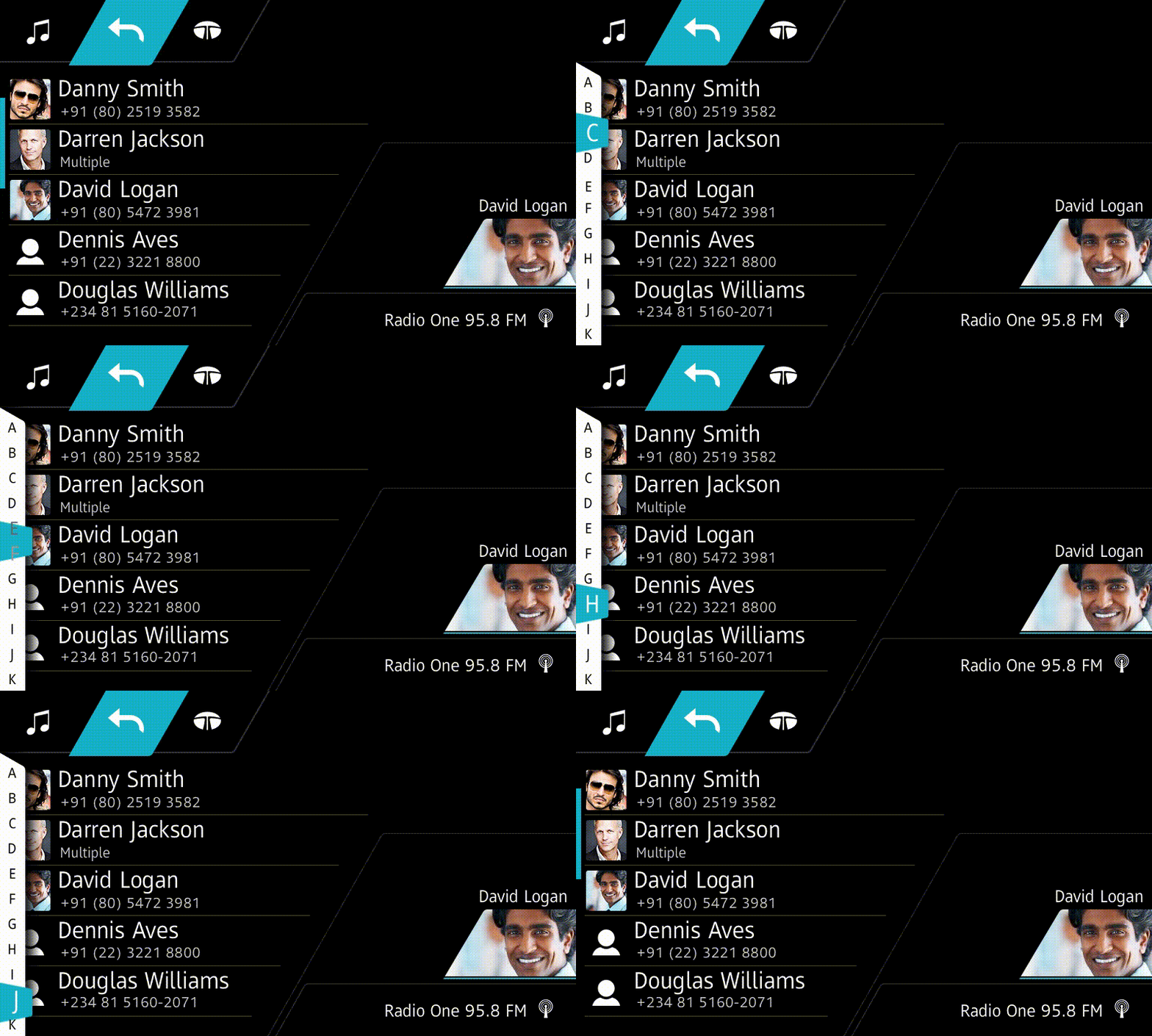
The structure of list is optimised for in-car use. Quick scroll widget that is activated by touching edge of the screen, naturally nudges user to stand his/her hand on the frame while tapping the touch screen and allows the driver to have more stable use. Media list is combined with media control, therefore wider space is allowed for buttons.